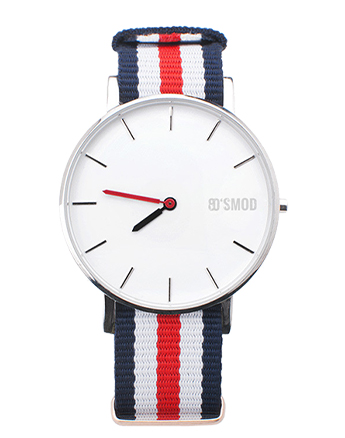
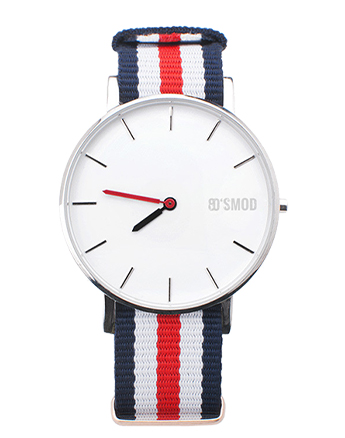
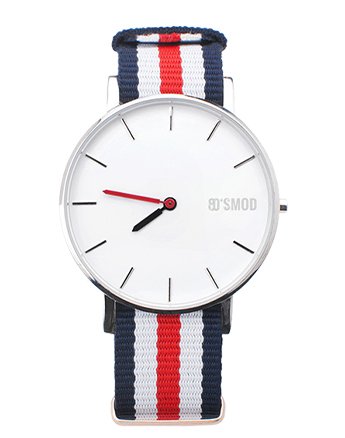
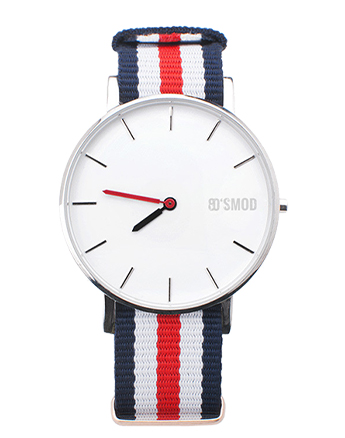
Start by accessing your account and logging in. Once you're logged in, navigate to the "My Collection" section. This is found in the main menu of the website.
In the "My Collection" section, locate the "Product List" tab. This tab lets you view and manage the items in your collection.
Once on the "Product List" page, look for the "Add Product" button. Click on this button to initiate the process of adding a new item.
After clicking on the "Add Product" button, a new page will appear. Once the page is visible, fill in the "Category" of the item. A form or fields where you can enter the necessary details of the item you want to add will appear.
Fill in the required information about the item. This may include the product name, description, category, price, quantity, and other relevant details. Make sure to provide accurate and complete information to ensure proper organization and easy retrieval of your items later.
Once you have filled in all the necessary information, review the details to ensure everything is correct and to your satisfaction.
After reviewing the details, look for a "Save" button. Click this button to complete the process and add the item to your collection.
Language Switching Options
Make it easy for users to switch between English and Arabic content. Include language switchers prominently on your website, allowing users to choose their preferred language. provide in Arabic.
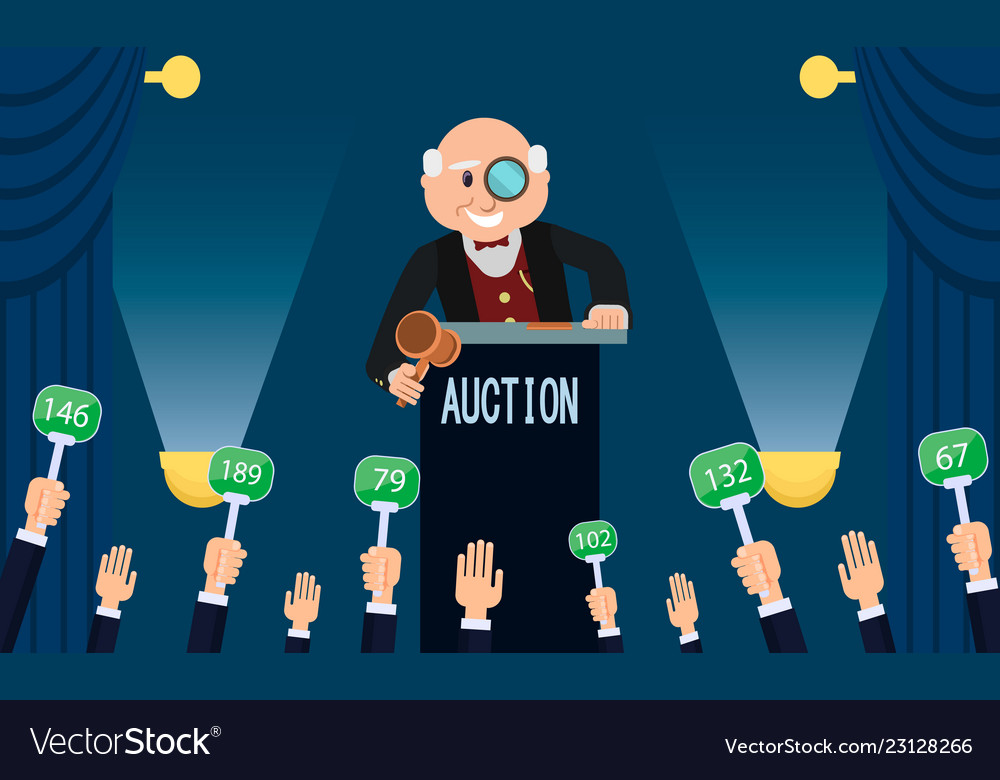
Bidding Listings
Provide a search and filter option for bids.
Include detailed information about each bid, such as title, description, starting price, and bidding deadline.
Allow users to submit their bids directly.
Clearly outline the rules and terms for bidding.
Happy Customers
Cum consequatur, ipsam cupiditate reprehenderit similique doloribus rem asperiores pariatur quae corporis, voluptatibus repudiandae id quam iure tempore. Quisquam, ex exercitationem ipsa aliquid maiores inventore eum ipsum incidunt, nemo, voluptatum vero. Sit ex eos accusamus necessitatibus ut dolorum perspiciatis architecto ea itaque?
Inspired Design
Cum consequatur, ipsam cupiditate reprehenderit similique doloribus rem asperiores pariatur quae corporis, voluptatibus repudiandae id quam iure tempore. Quisquam, ex exercitationem ipsa aliquid maiores inventore eum ipsum incidunt, nemo, voluptatum vero. Sit ex eos accusamus necessitatibus ut dolorum perspiciatis architecto ea itaque?
Communications
Cum consequatur, ipsam cupiditate reprehenderit similique doloribus rem asperiores pariatur quae corporis, voluptatibus repudiandae id quam iure tempore. Quisquam, ex exercitationem ipsa aliquid maiores inventore eum ipsum incidunt, nemo, voluptatum vero. Sit ex eos accusamus necessitatibus ut dolorum perspiciatis architecto ea itaque?
Dress for women dddd
$250.00
Donec vitae sapien ut libero venenatis faucibus. Nullam quis ante. Etiam sit amet orci eget eros faucibus tincidunt. amet nibh. Donec sodales sagittis magna. Augue velit cursus nunc, quis gravida.